
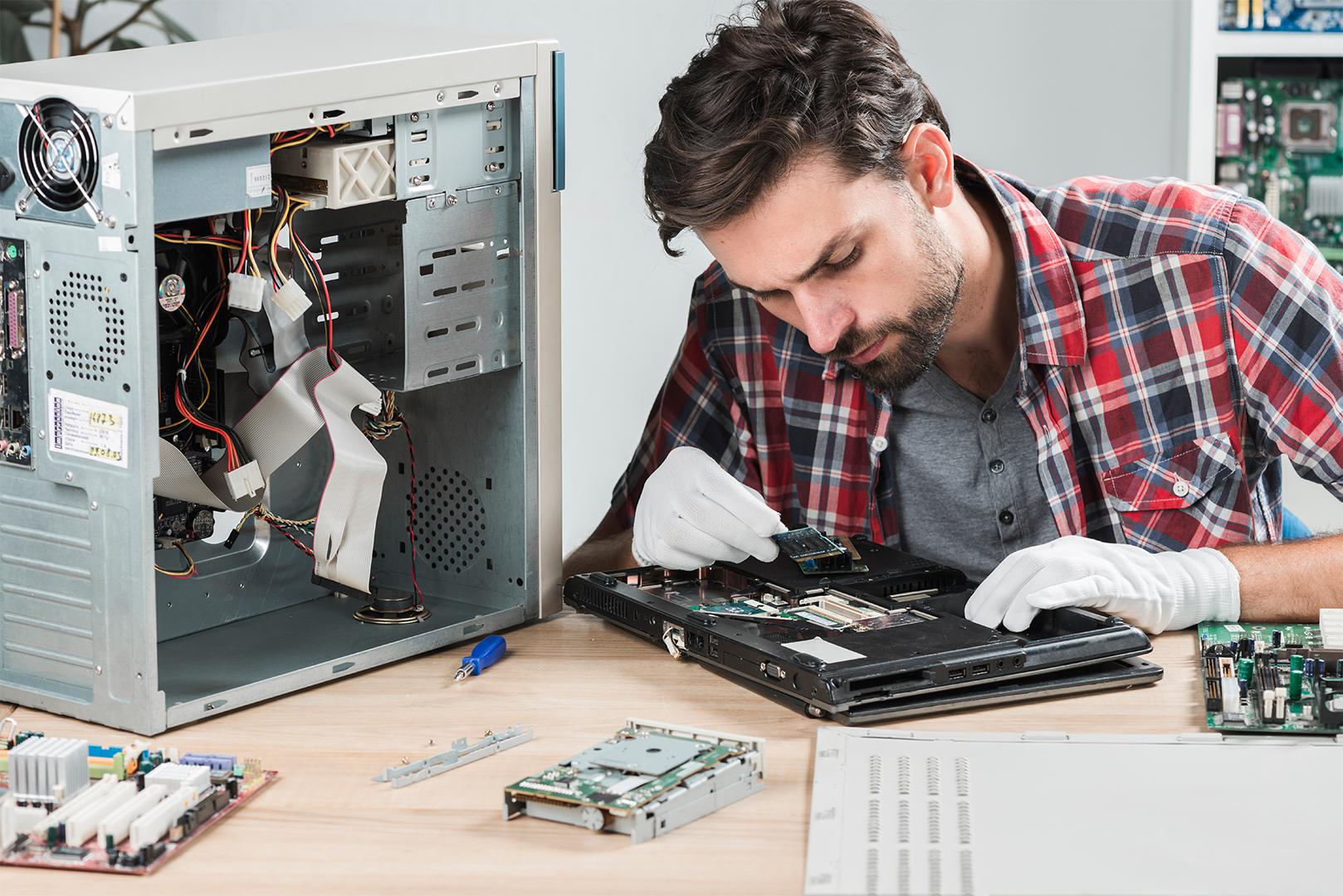
A computer that restarts without warning, runs its fan at full speed, or takes minutes to boot is usually telling you something specific. Spotting the signal early can turn an expensive failure into a quick, affordable repair.
Warning signs you should not ignore
Most hardware failures do not happen overnight. They build up through small symptoms that are easy to dismiss until the machine stops working completely.
- Random restarts, blue screens or freezes during normal work
- Fan running constantly, or a hot chassis and keyboard
- Boot times that get longer week after week
- Screen lines, flickering or a display that cuts out
- Clicking or grinding sounds from the hard drive
- Laptop that only runs when the charger is connected
What a proper diagnosis includes
Replacing parts until something works is not a diagnosis. We start by reproducing the fault, then test storage health, memory, temperatures, power delivery and the operating system before recommending anything.
You receive a clear explanation of the faulty component and an itemised quote. Work only begins after you approve it, so there are no surprises at collection.
- Symptom interview and visual inspection
- Storage, RAM and temperature testing
- Operating system and startup review
- Written quote before any repair
Repairs we handle every week
Our workshop covers both everyday fixes and chip-level repairs for desktops and laptops of all major brands.
- Motherboard and power delivery faults
- Hinge, screen, keyboard and trackpad replacement
- SSD, RAM and battery upgrades
- Operating system reinstall and virus removal
- Data transfer during hardware replacement
Repair or replace?
As a rough guide, repair usually makes sense when the cost is well below the price of an equivalent new machine and your current device still meets your needs. Replacement is the better call when the motherboard and storage both need work on an older laptop, or when parts are no longer available.
We will give you both numbers — repair cost and a realistic replacement estimate — and let you decide without pressure.
Simple habits that prevent repeat repairs
- Keep the vents and fan free of dust
- Use a surge protector or UPS for desktops
- Back up important files regularly
- Install software updates from official sources
- Shut down properly instead of forcing power off